Adding a tutorial
Start by creating a copy of docs/new-tutorial.md. Change the file name to be something more appropriate, and change the “title” on line 2 and in the heading to match your new tutorial’s title:
---
title: Adding a tutorial
parent: Tutorials
---

# Adding a tutorial
The .md file type is a “markdown” file, it’s basically a plain text file with a few special ways of adding headers, links, and formatting. It’s relatively commonly supported, for example Discord supports it for italics, bold, lists, or links in messages. Here’s a more complete article on formatting using Markdown.
Markdown also lets you display an image, though you’ll have to upload it to the “images” folder in order to be able to use it here.
An example image:
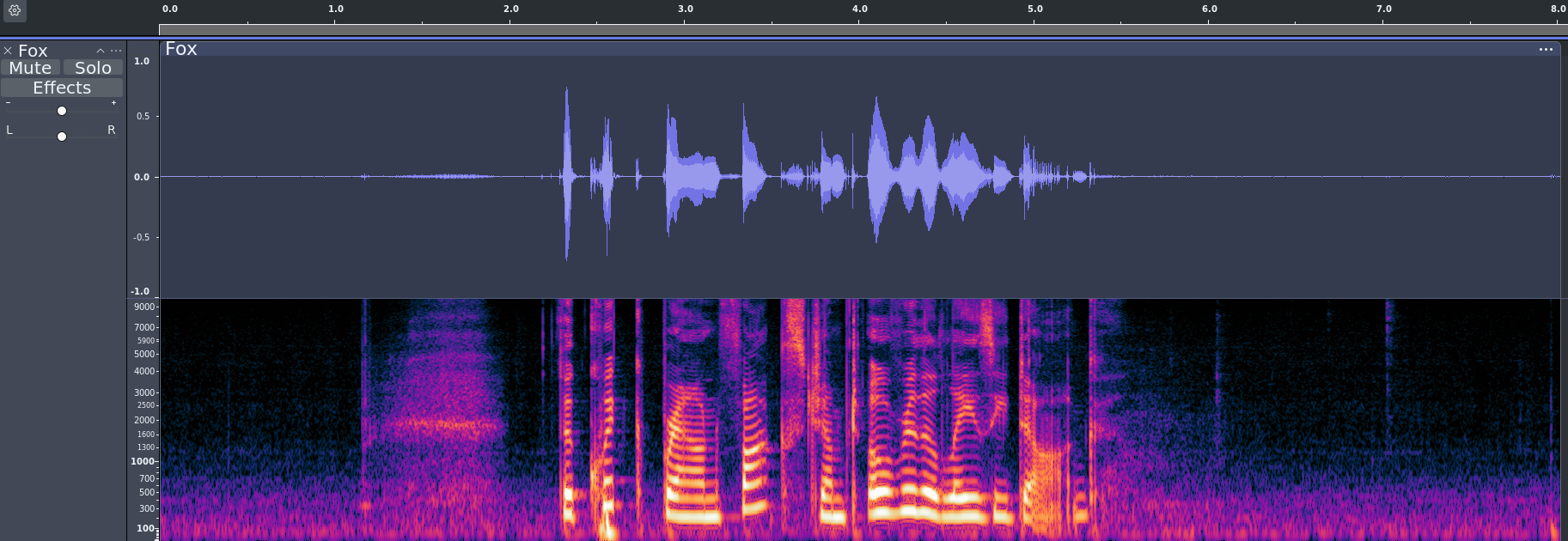
The format for that image:

You can also have a subheading
And a list:
- Hi there
- Hi 2
Or a bulleted list:
- A thing
- Another thing
Doing an audio embed is slightly different:
The code for that looks like this:
{% include embed_audio.html src="mp3/fox.mp3" %}